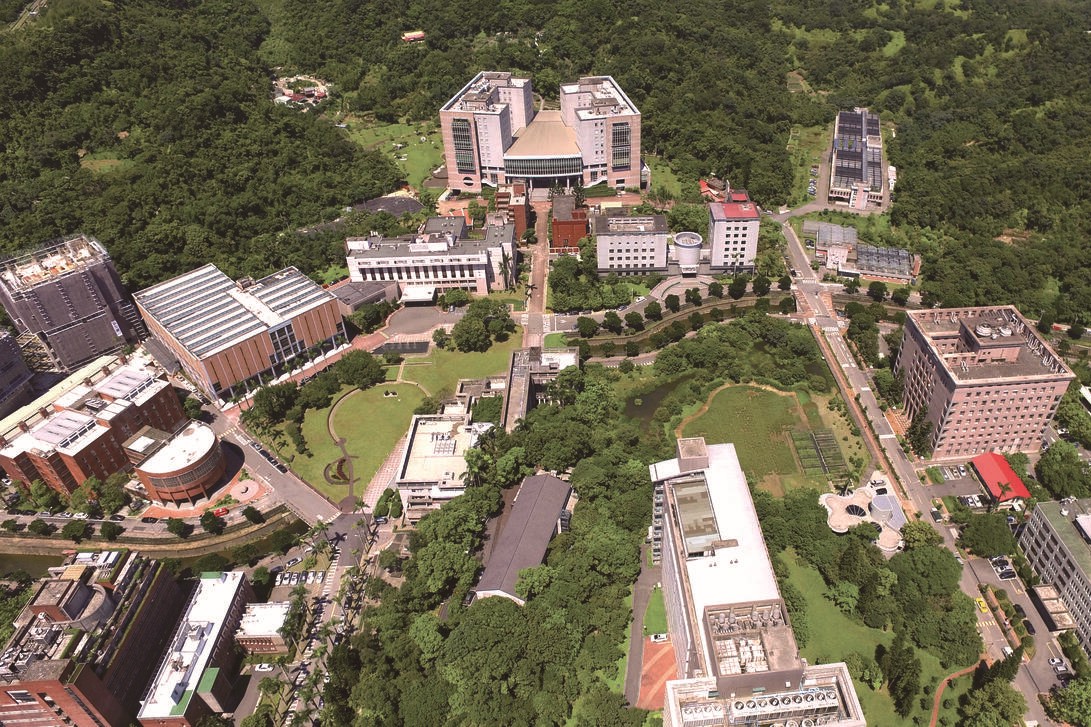
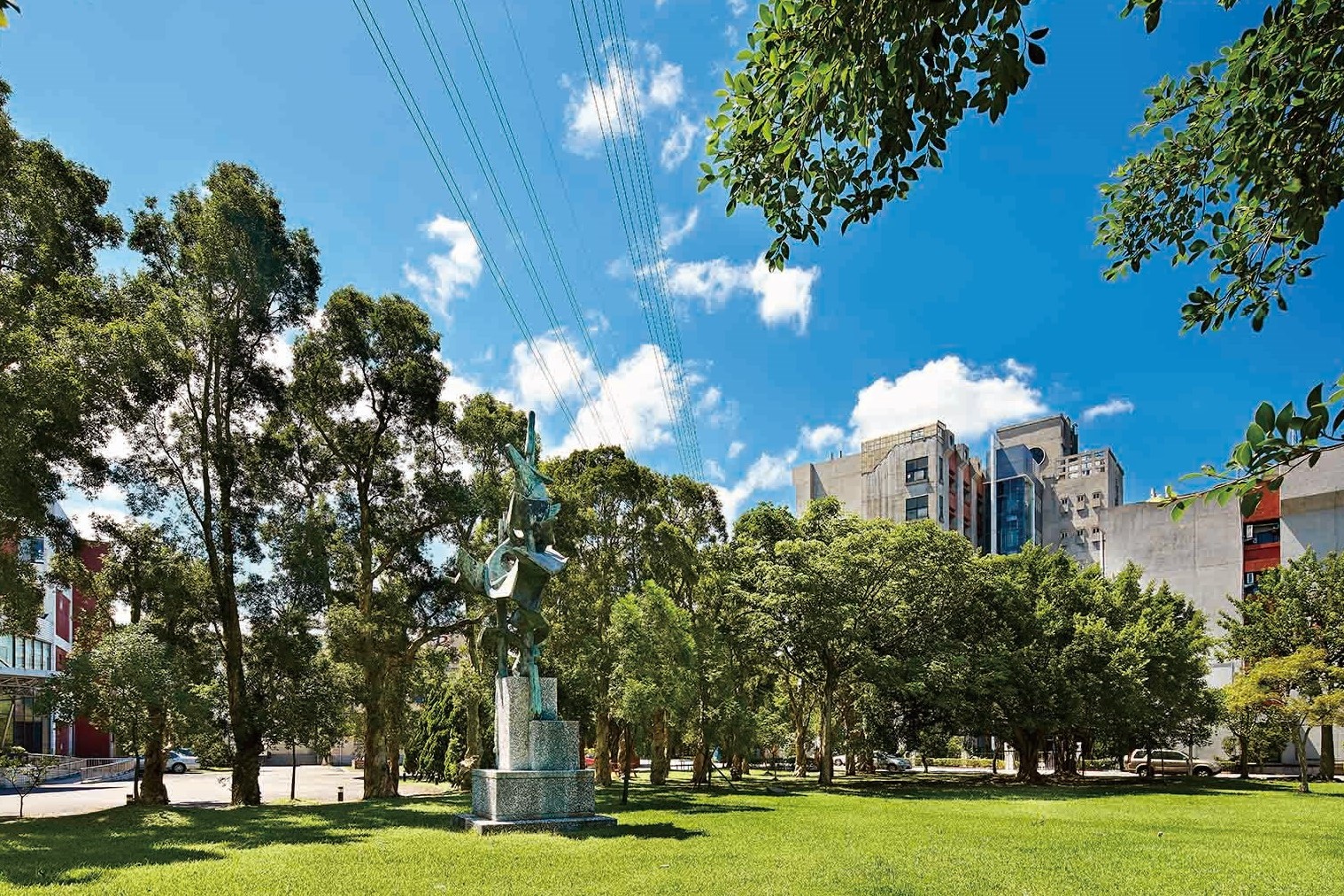
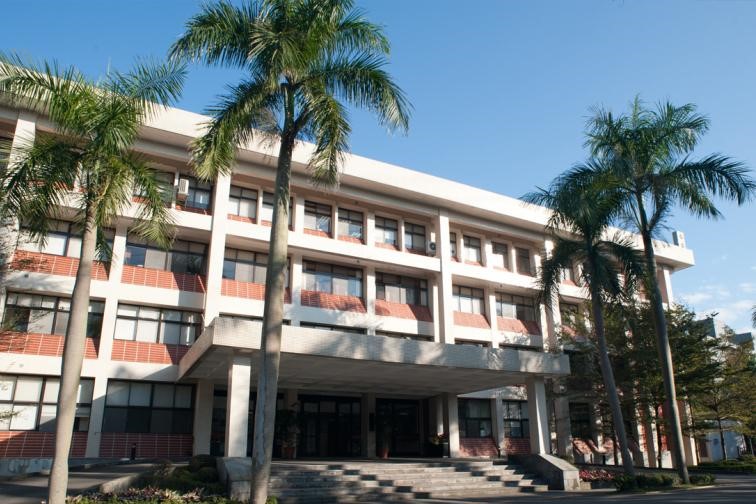
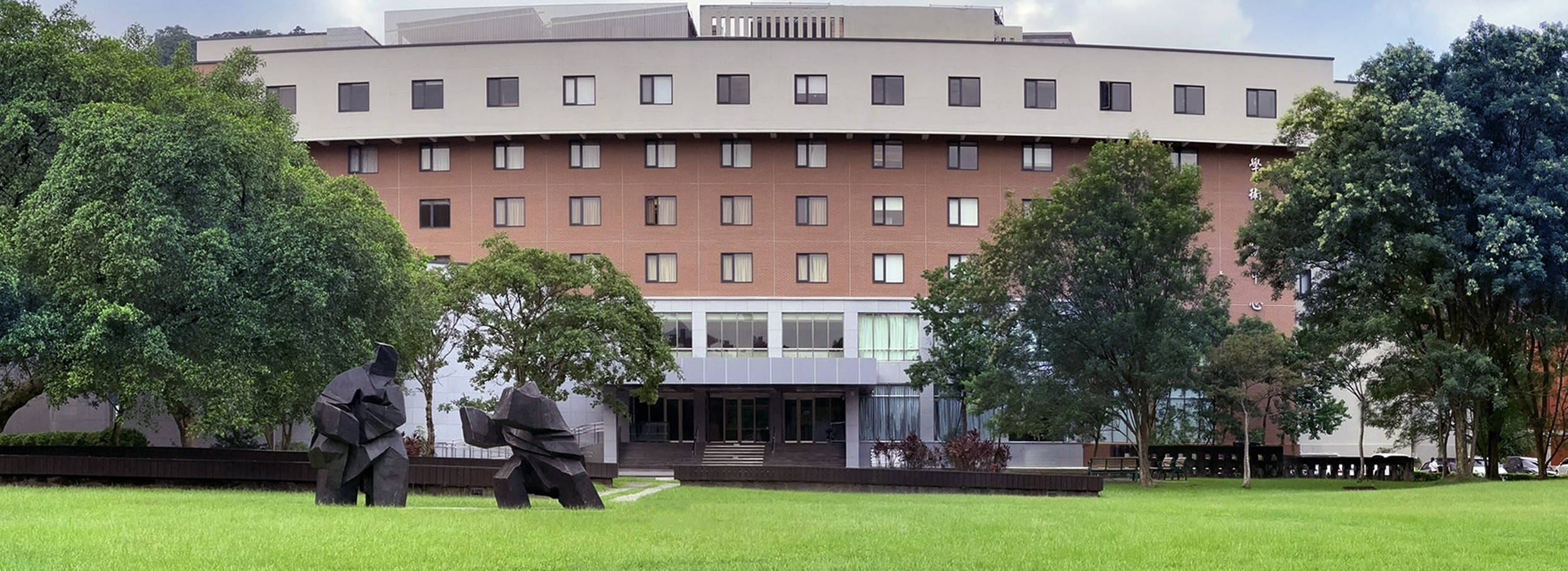
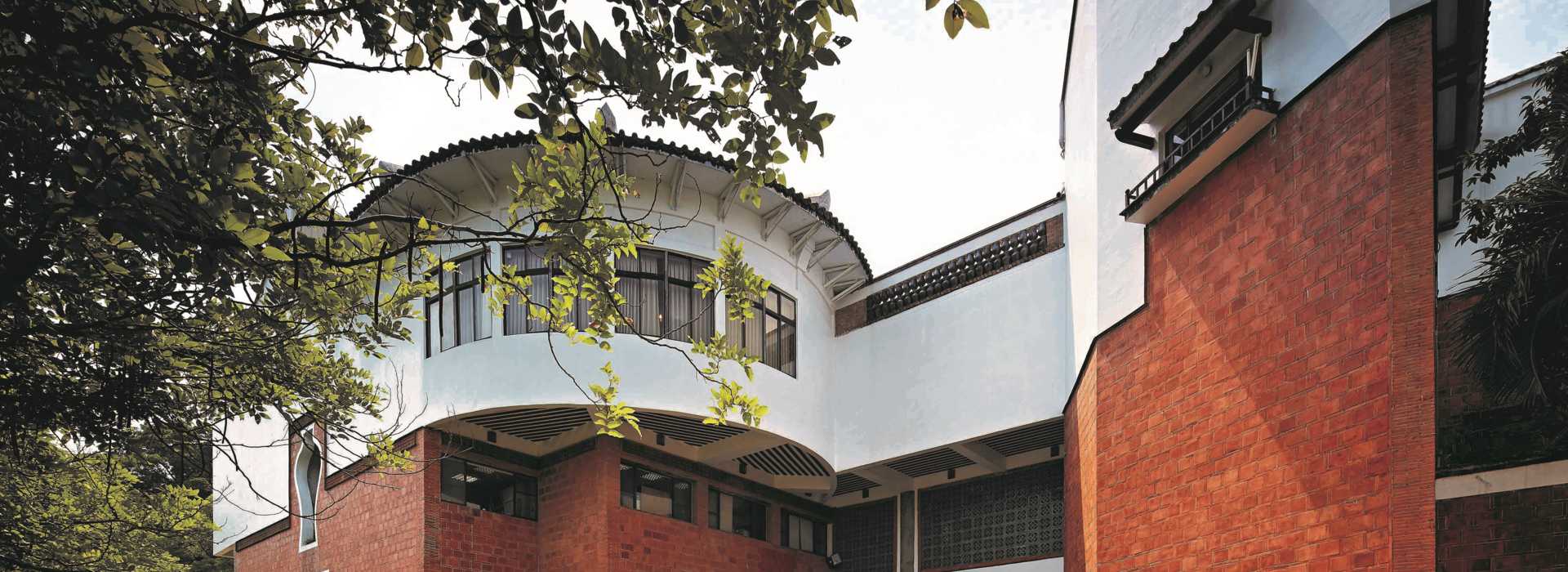
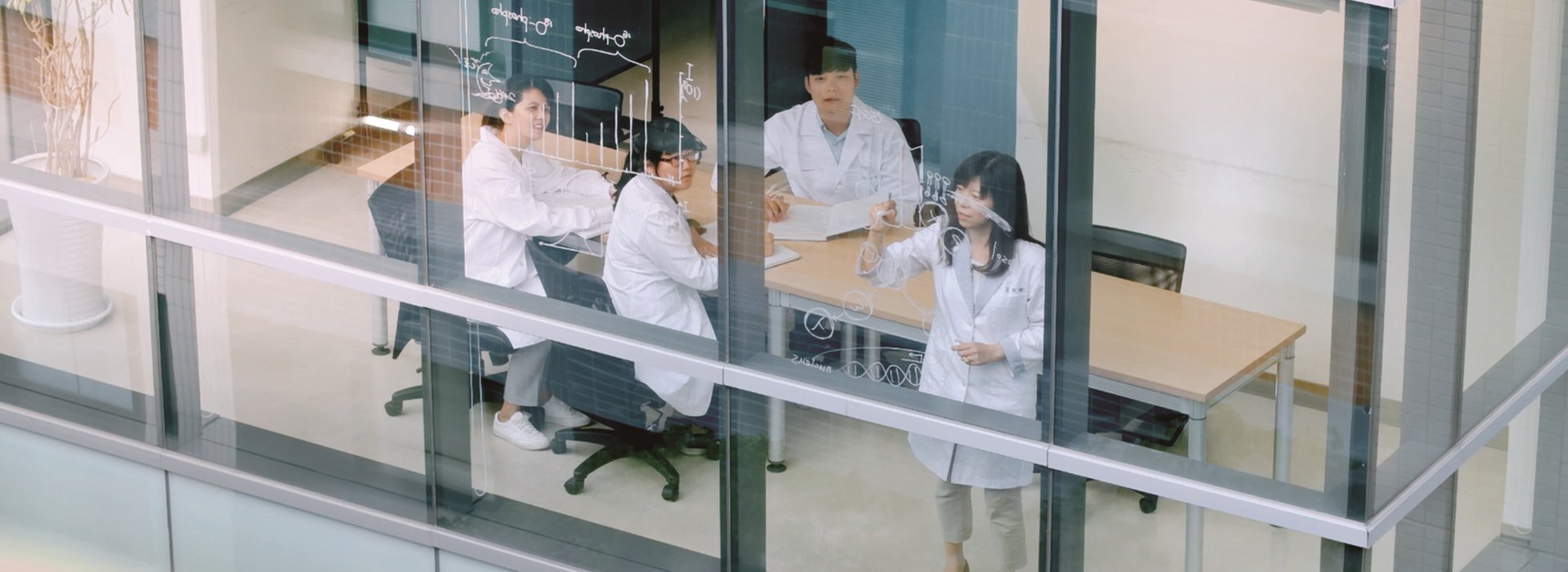
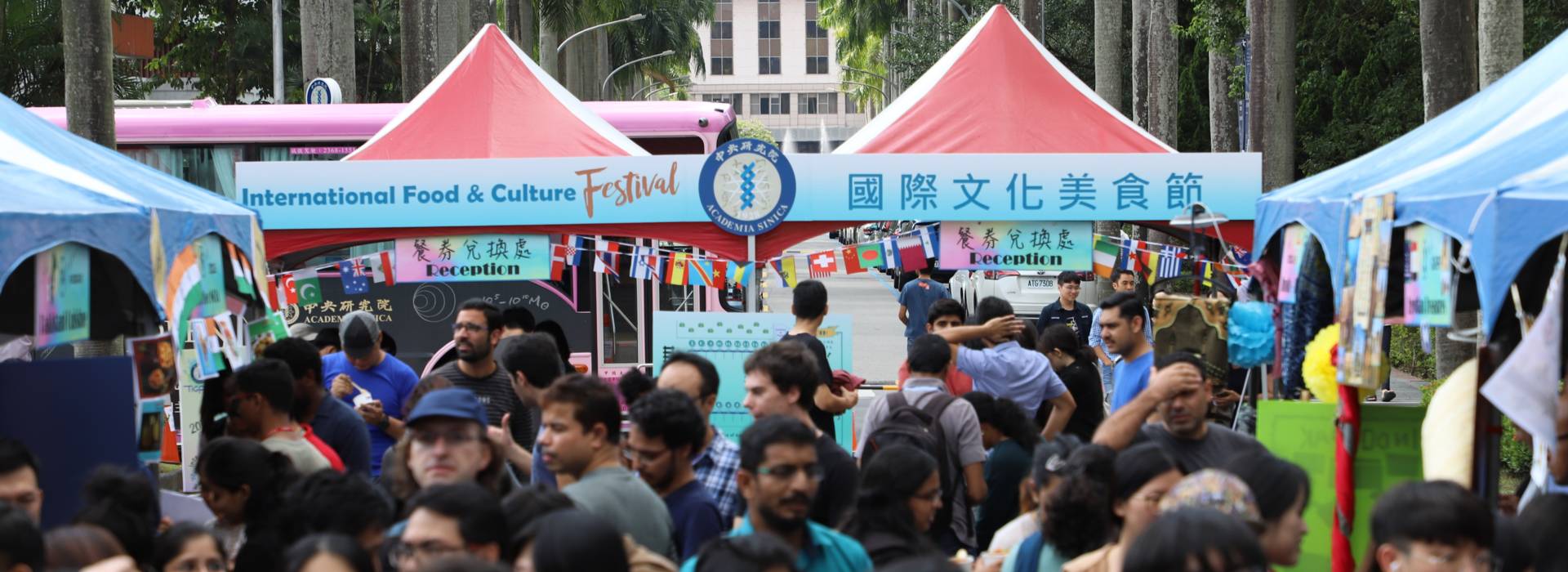
院區風景
歐美所圖書館
民族學研究所
生態時代館
徵才育才
院內活動
聲明專區
Academia Sinica FAQ
中央研究院今(1)日公布首屆「中研學者」獲選名單,獲選者為國立中央大學地球科學系郭力維教授、國立清華大學數學系陳國璋教授、國立陽明交通大學生化暨分子生物研究所許翺麟教授,及國立臺灣大學經濟系黃貞穎教授,共計4位學者計畫獲選。「中研學者」計畫於112年推出,由中研院攜手國內大學,深化實質的學術合作與交流,獎勵我國55歲以下、副研究員或副教授以上學者具原創性之研究。獲選者最高可有每年新臺幣800萬元、每期5年的研究補助經費。本院特別編列「中研學者」計畫獎助經費予院外得獎學者,並以「中研學者」之名合聘。
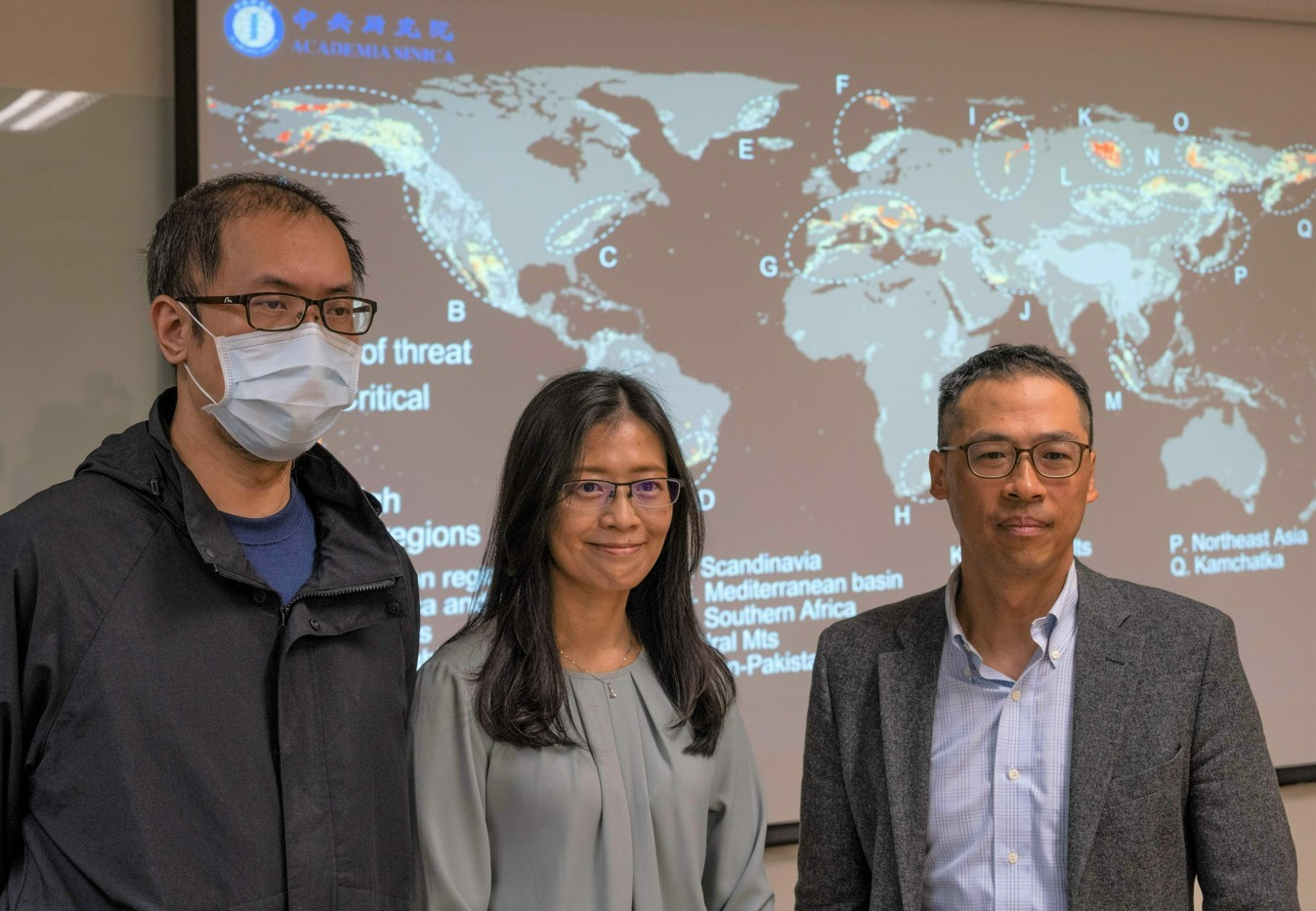
由於全球山區缺乏長期運作的氣象觀測站,使得山區氣候變化的量化成為一大挑戰。由中央研究院生物多樣性研究中心沈聖峰研究員領銜的國際研究團隊,創新結合熱力學原理與氣候資料庫,不僅首創山區氣候速度的推估模式,更首度發現全球17個區域的山脈等溫線正以每年超過11.67公尺的速度上升,對高海拔生態避難所的獨特物種構成了巨大威脅。此研究成果已於本(2024)年3月27日發表於國際頂尖期刊《自然》(Nature)。
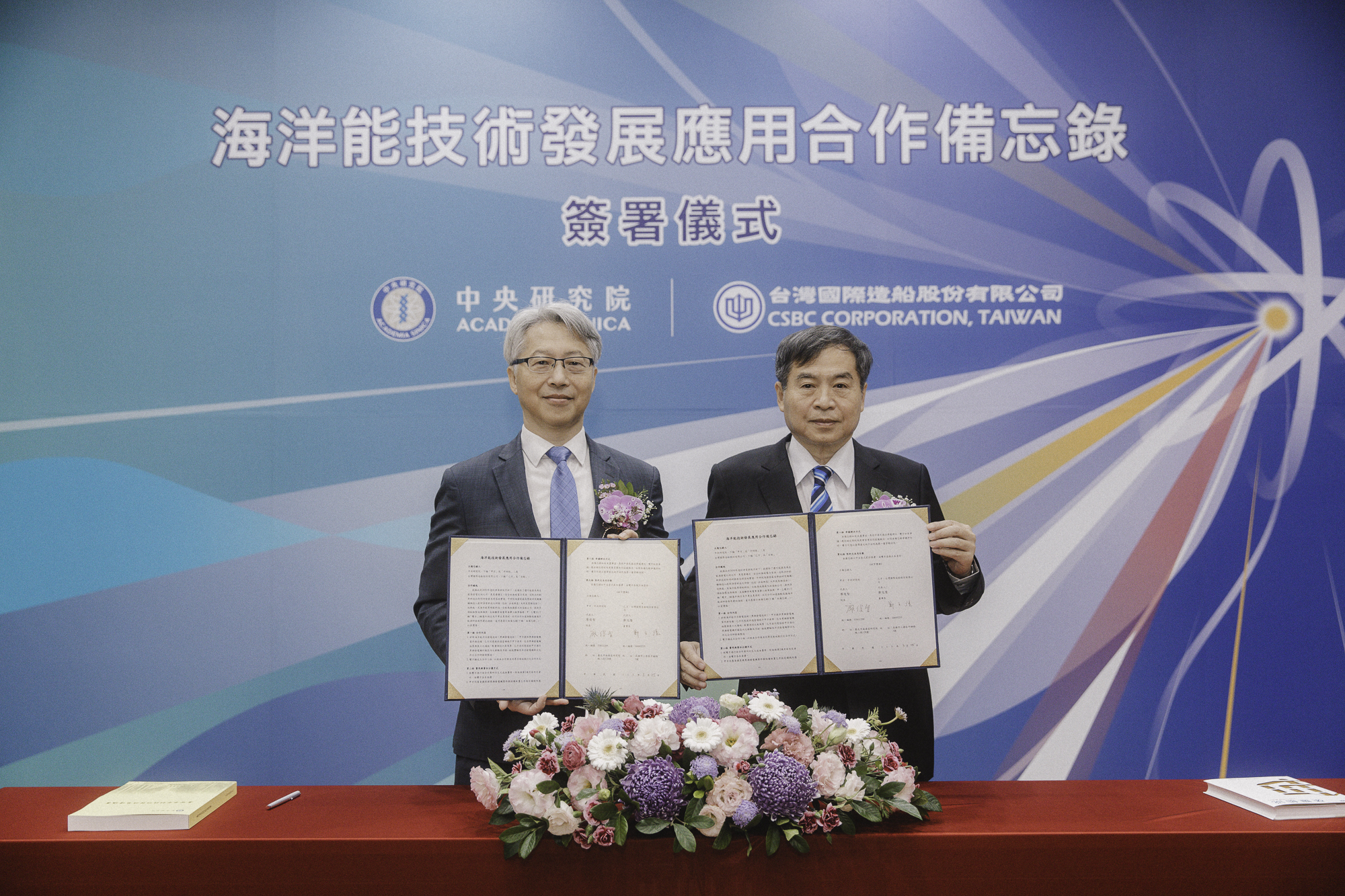
中央研究院今(25)日與台灣國際造船股份有限公司簽署「海洋能技術發展應用合作備忘錄」。廖俊智院長表示,中研院正研發製造100瓩(kW)洋流渦輪發電機,預計今(2024)年在臺東外海下水測試。雙方合作將結合本院的海洋能研究能量,以及台船公司在海事工程的優勢,加速「黑潮發電」的海上測試與布建。
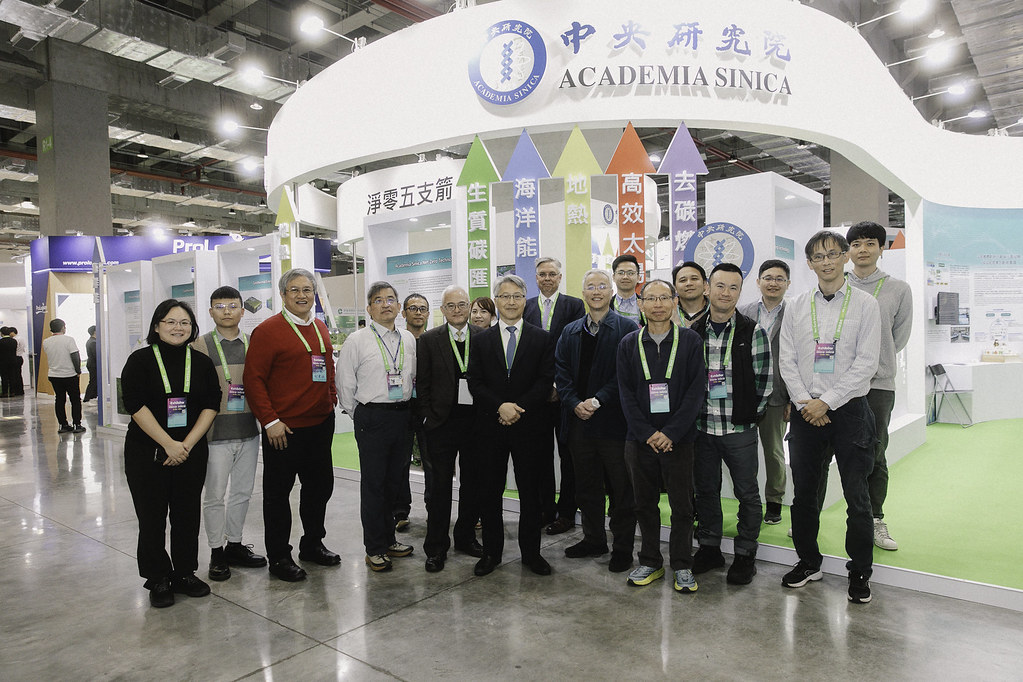
2024淨零城市展自今(19)日起一連4天在南港展覽館盛大展出,中央研究院於「淨零前瞻科技館」推出「淨零5支箭」科技研發成果,以模型、影片、虛擬實境等多元媒材,讓零碳科技看得到也摸得到,帶給民眾豐富的觀展體驗。廖俊智院長表示,科技在淨零策略中扮演重要角色,如果人類僅停留在當前的技術水準,難以達成2050淨零願景;因此,中研院攜手學研團隊,優先推動研發去碳燃氫、高效太陽光電、海洋能、地熱能及生質碳匯「5支箭」新科技,5箭齊發助攻淨零的目標靶心。
中研院成功以硫酸雙醣分子減緩神經元退化,開創漸凍症治療新思路。
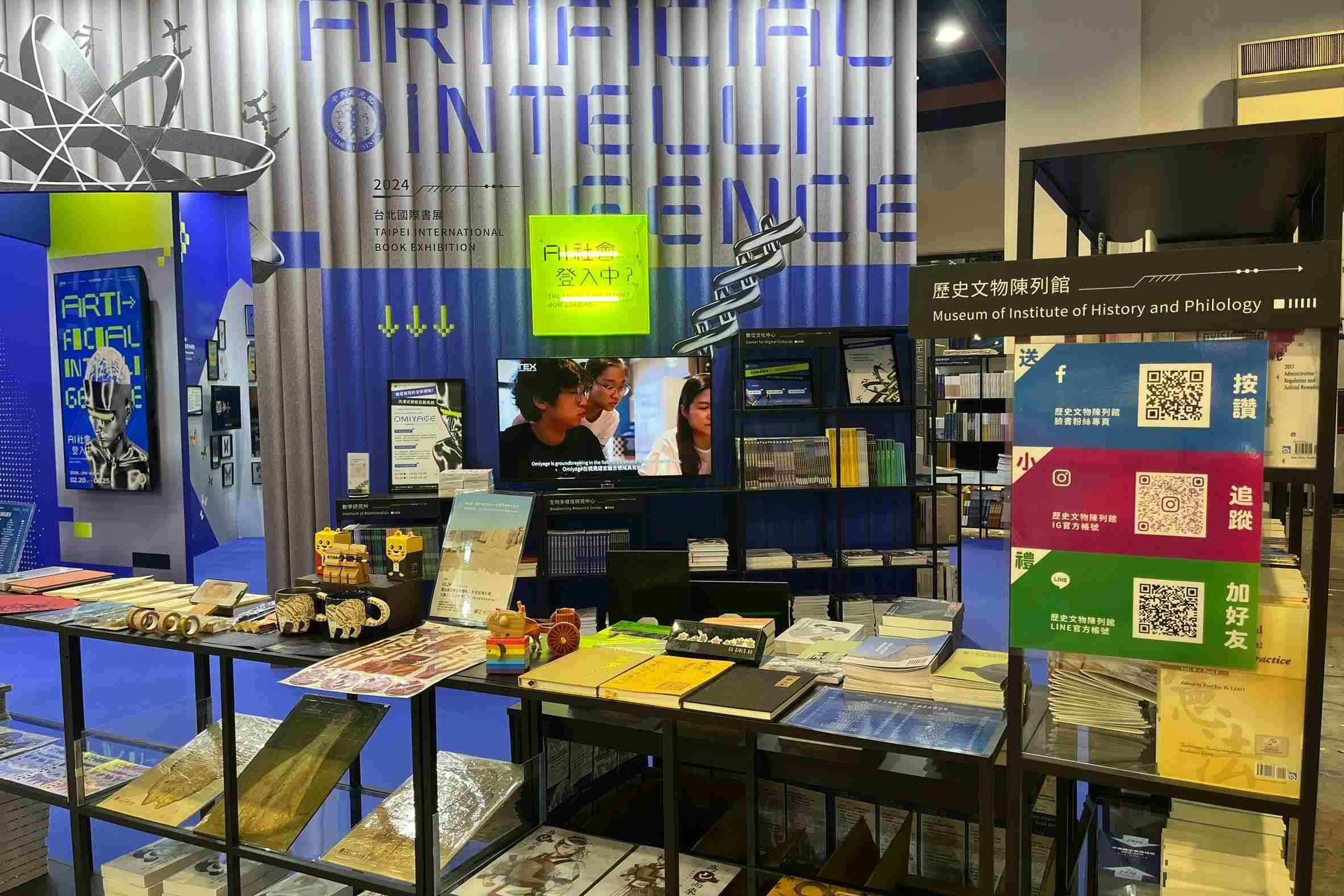
當世界上最古老的樂器「古琴」遇上人工智慧會碰撞出什麼火花?看科學家如何運用AI(Artificial Intelligence)分類、標記,歸納蝴蝶、飛蛾的多樣形態?2024年台北國際書展今(20)日開幕,中央研究院以「AI社會登入中?」為主題,以學術殿堂與人工智慧交會的科幻空間,探究當前的AI發展。2月20日至2月25日為期6天的展覽,展售近4,000冊出版論著,推出17場講座及5大AI學術展示,帶領大眾體驗創新知識。
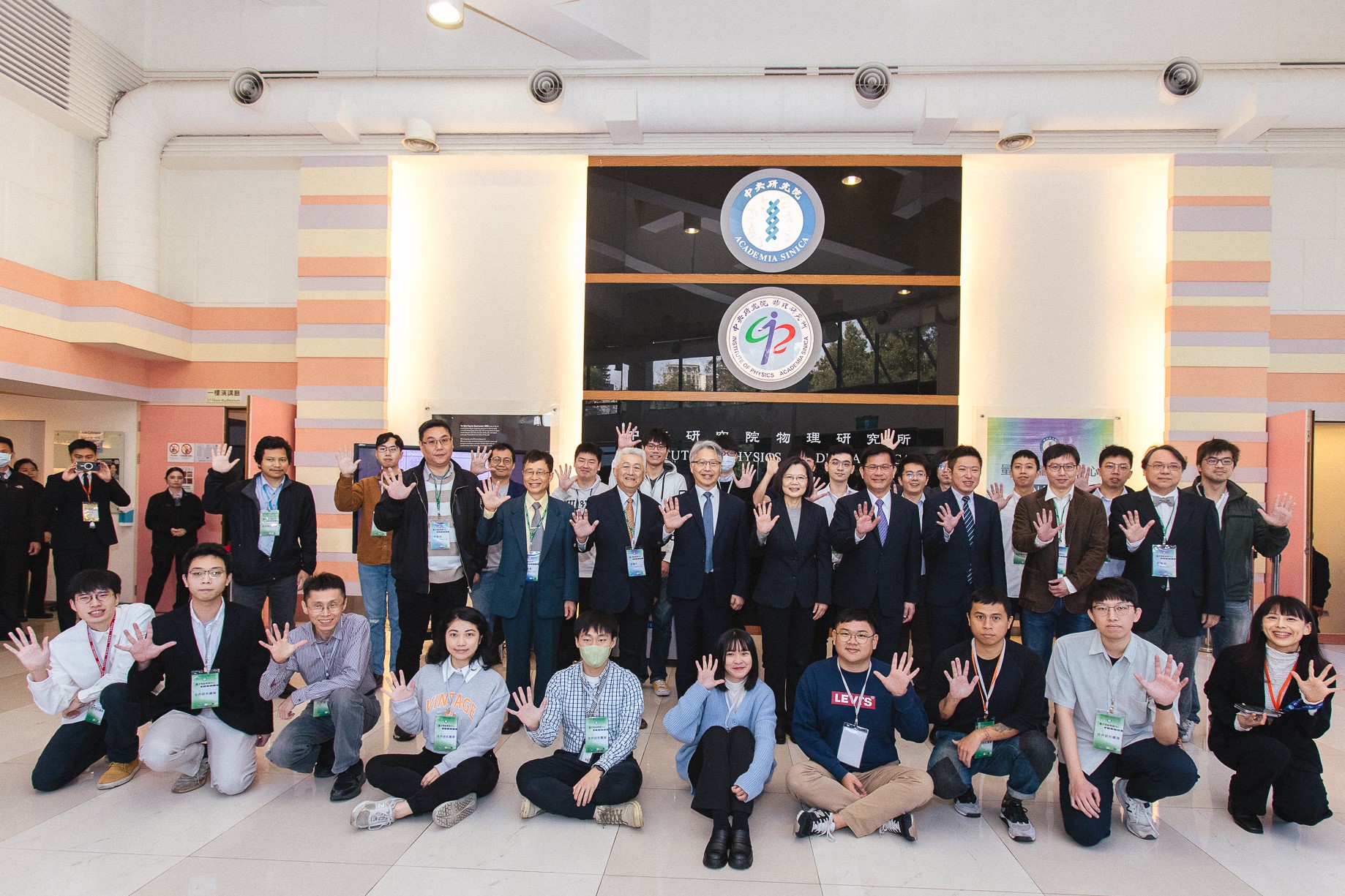
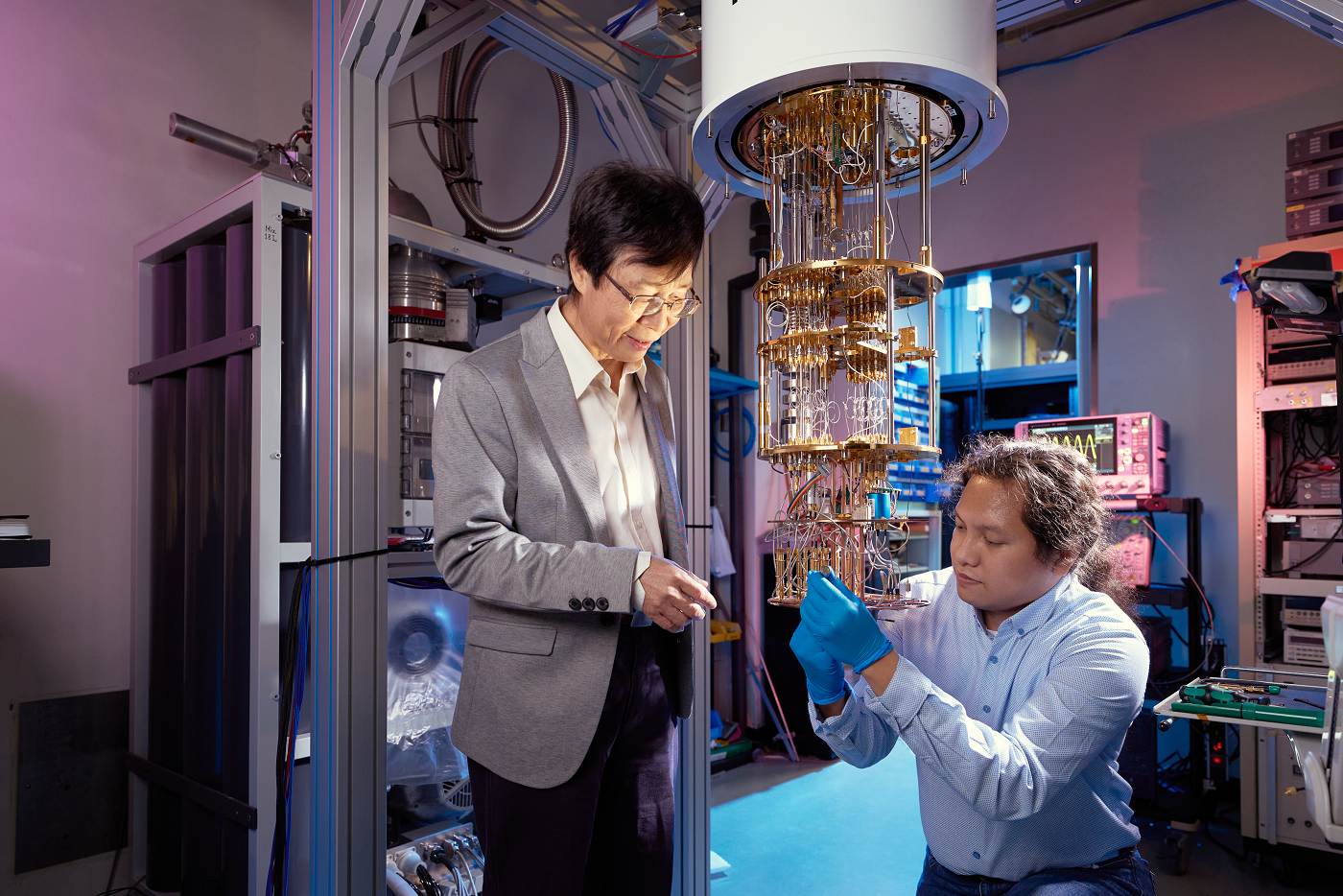
蔡英文總統今(29)日親臨中央研究院視察由國科會及中研院共同資助之量子電腦計畫,見證臺灣首部自研自製5位元超導全系統量子電腦,並期勉研究團隊更上層樓。廖俊智院長現場致贈由本院研究團隊自製的量子晶圓予蔡英文總統。總統府秘書長林佳龍,國科會主委吳政忠,經濟部林全能次長等陪同參訪本院量子電腦專題中心。
量子電腦具有超越目前超級電腦的運算潛力,全球先進國家皆已積極投入研發。中央研究院在去(112)年中突破量子晶片製程、控制、及量測上的諸多瓶頸,並於10月成功打造由臺灣自研自製的5位元超導量子電腦,本週起將以網路連線方式提供給計畫合作者使用。
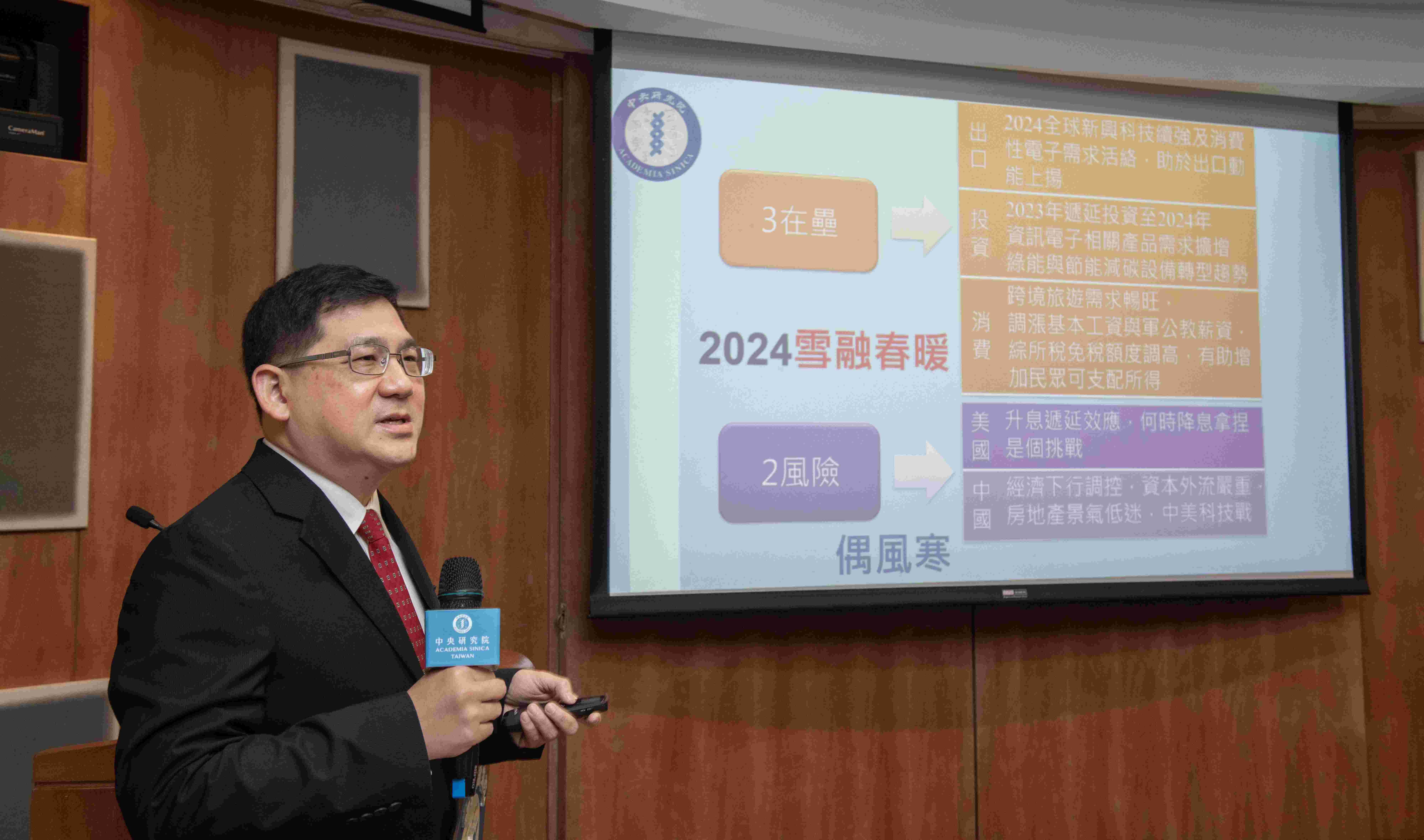
2023年全球經濟受到終端市場需求不振以及產業庫存調整影響,使得成長力道遲緩。雖然國內民間消費尚屬穩定,然而商品輸出疲弱、企業投資意願低迷,造成臺灣經濟成長不如預期,前三季實質GDP年成長率為0.11%,預估2023年經濟成長率下修至1.34%。展望2024年,雖然全球通膨趨緩,各國央行升息周期亦逐漸接近尾聲,全球景氣復甦仍略顯蹣跚。惟電子相關產品需求回溫,在高速運算與人工智慧等新興科技應用需求帶動下,我國外需與投資將可望恢復成長動能。而民間消費因此受惠持續擴張,2024年實質經濟成長率預期為3.02%。
中央研究院生醫轉譯研究中心首度攜手全國12所大學及研究機構,於今明(14、15)二日擴大舉辦「全國生醫轉譯選拔媒合會」(Pitch Day),為臺灣的生醫產業注入新活力!本次聚焦「新藥」與「新醫材」二大關鍵領域,吸引逾50組具商品化潛力的生醫轉譯技術團隊參與展演及競賽,逾百家海內外企業、投資者、創投、加速器及天使投資人共襄盛舉,為臺灣生技界的重要盛事。
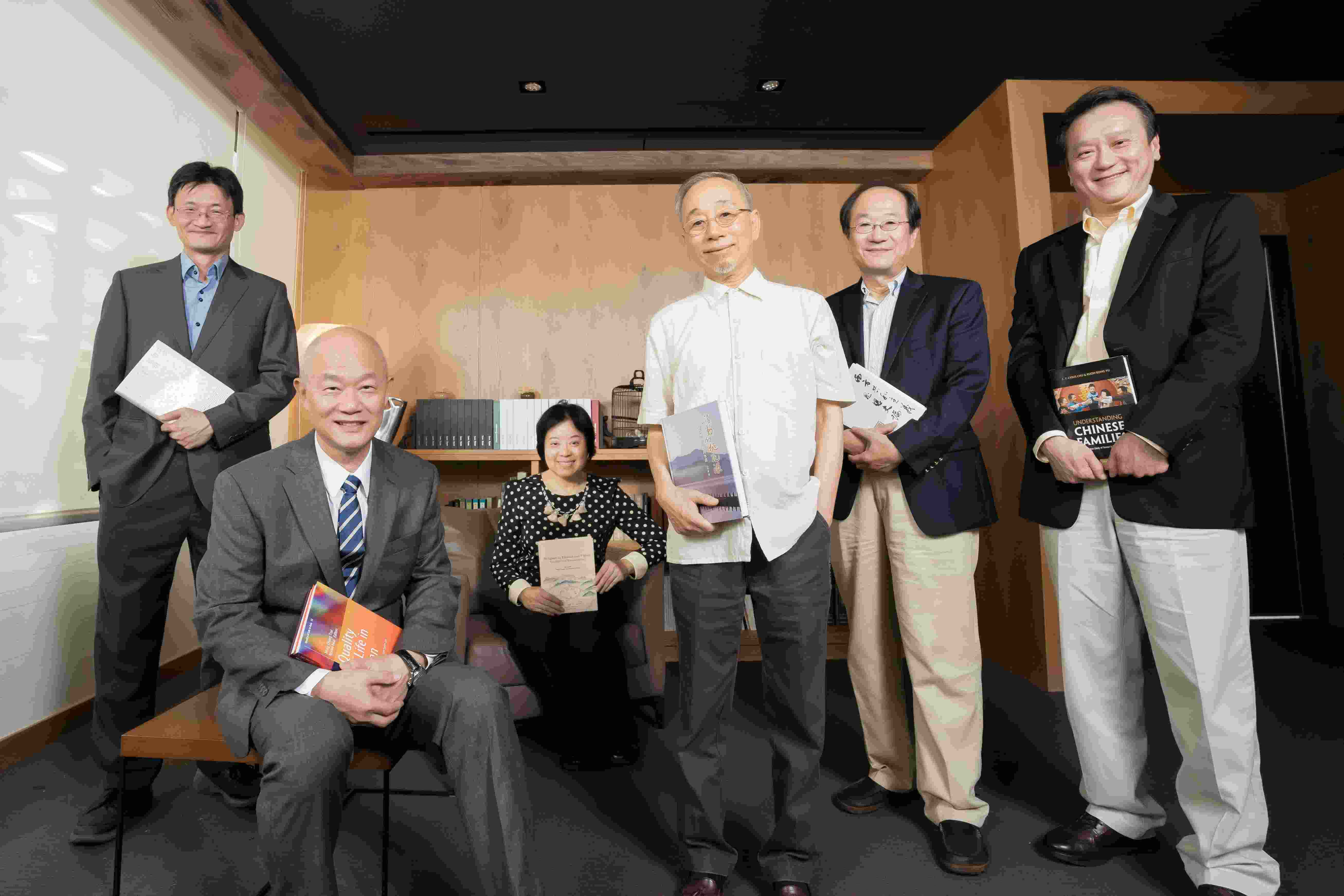
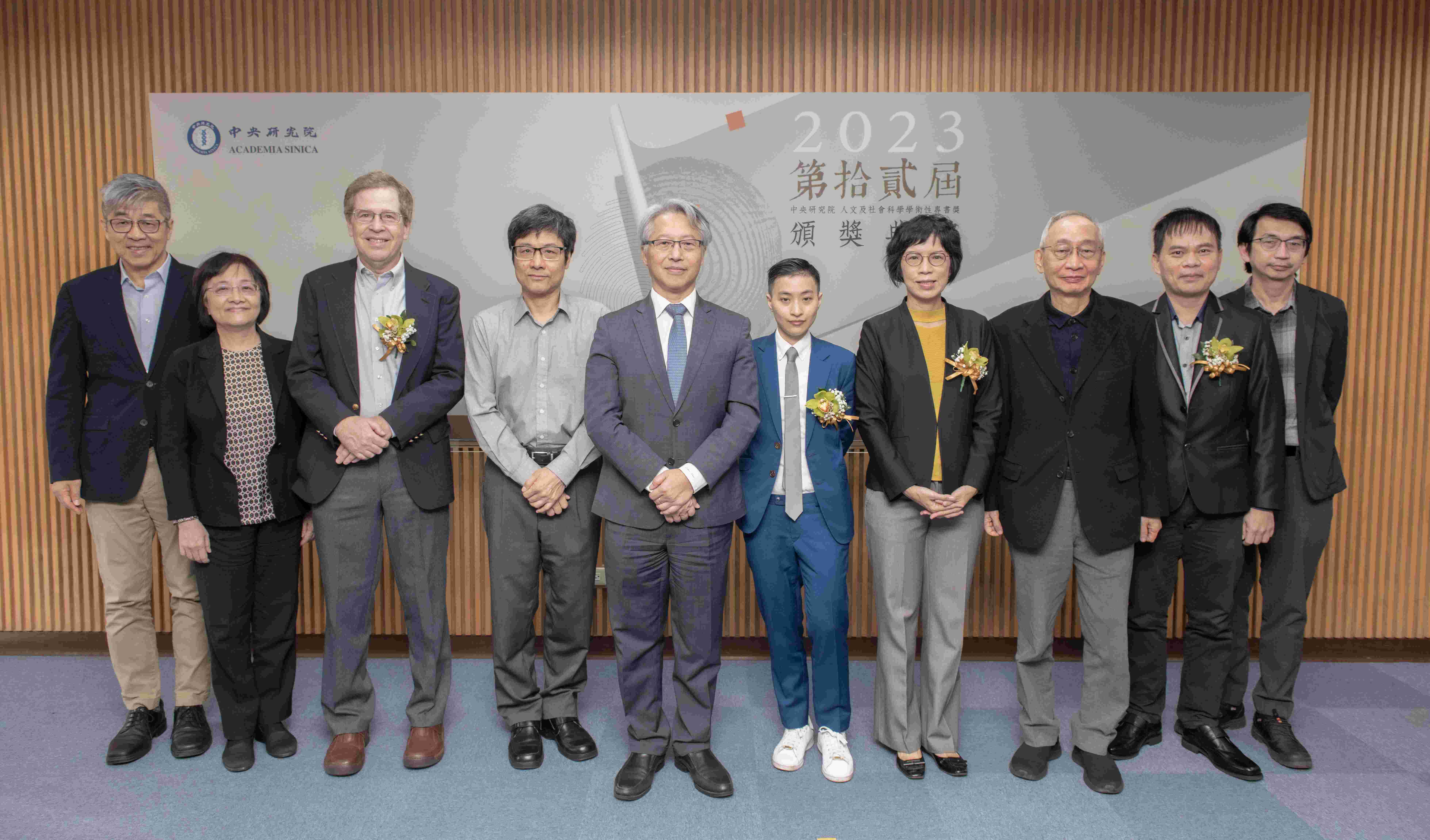
中央研究院今(11)日頒發第十二屆「人文及社會科學學術性專書獎」,本屆計53件申請,共5本專書脫穎而出,主題包含人類學、歷史學、哲學、中國文學等研究領域,其中2本中文著作、3本英文著作。典禮由廖俊智院長頒獎,每位得獎者獲頒新臺幣60萬元及獎牌1面。
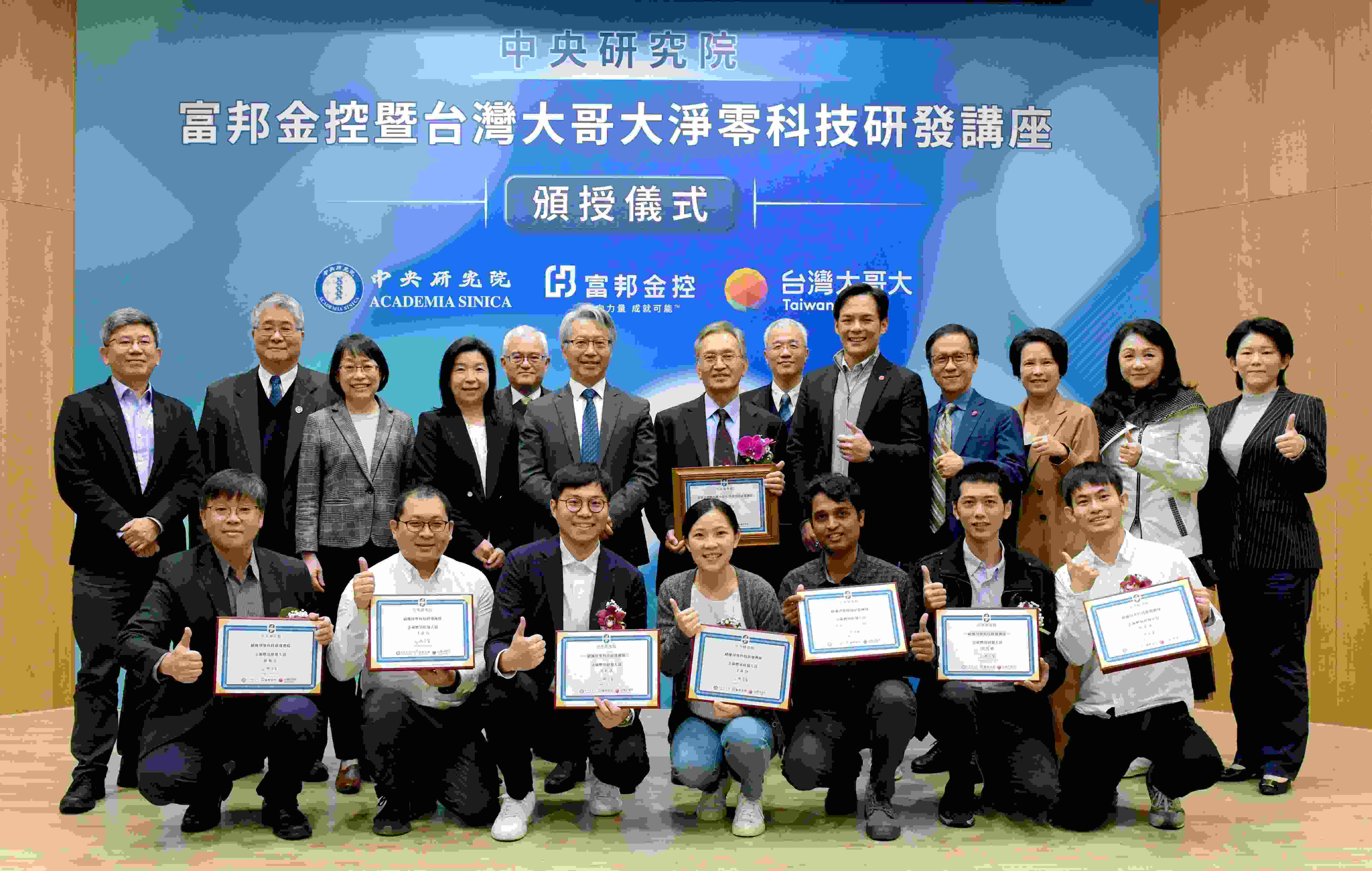
中央研究院今(6)日頒發「中研院富邦金控暨台灣大哥大淨零科技研發講座」予「去碳燃氫Alpha計畫」主持人陳洋元研究員及獎勵金給研究團隊。本院自去(111)年起陸續啟動多項淨零科技研發計畫,亦於今年7月與富邦集團及台灣大哥大簽署「淨零科技研發獎勵合作協議」,以提供獎勵金的方式加速研發進程。近期「去碳燃氫Alpha計畫」已達成階段性里程碑,今日由廖俊智院長、台灣大哥大林之晨總經理及富邦金控林茂生副總經理共同頒授研發獎座並表揚研究團隊。
關鍵議題研究中心
2024/04/22
關鍵議題研究中心研究大樓正式揭牌 鎖定淨零科技與量子科技領域
學術及儀器事務處
2024/04/24
114年度「臺北、臺中、高雄榮民總醫院、三軍總醫院與中央研究院合作研究計畫」,自113年5月31日起至113年7月15日止受理申請
2024/04/23
【AI for PI Workshop】與AI專家們對談(檢附簡報檔)
114年度本院新增永續科學研究計畫即日起受理申請
2024/04/18
綜合型流式細胞儀實驗室 演講公告
2024/04/09
114年度本院新增任務導向生技研究計畫及因應流行病研究計畫,即日起受理申請
人事室
本院即日起至113年5月31日止受理志願服務人員報名
秘書處
研究調查〉「臺灣民眾對政治社會及國防安全議題態度調查」網路調查
社會學研究所
2024/04/08
研究調查〉「臺灣世代與性別調查」第二階段面訪問卷調查
國際事務處
2024/03/29
113年「國際研究生學程(TIGP)暑期實習計畫」錄取名單
人文社會科學研究中心
2024/03/14
活動報名〉人社中心GIS專題中心暑期實習生研究計畫
統計科學研究所
2024/03/06
統計所2024統計研習營
2024/03/04
徵稿啟事〉「2024調查研究:方法、應用與新發展」學術研討會
2024/03/01
研究調查〉「家庭動態調查2024年訪問計畫」面訪調查
2024/02/27
本院資訊科技創新研究中心主任自113年3月1日起由特聘研究員逄愛君女士接任。
歐美研究所
2024/02/20
美國密西根大學2024年「暑期社會研究量化方法課程」開始報名
114年度本院新增前瞻計畫、深耕研究計畫、主題研究計畫、關鍵突破研究計畫即日起受理申請
2024/01/15
國立臺灣大學林麗瓊院士當選世界科學院2024新任院士
2023/12/20
本院3位年輕研究人員獲選為歐洲分子分子生物學組織「全球研究學者」
2023/12/07
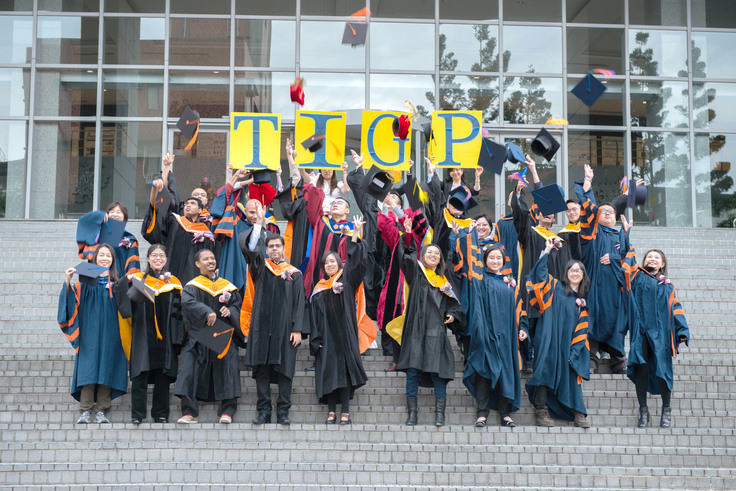
中央研究院國際研究生學程(TIGP)舉行第十八屆結業典禮
2023/11/01
本院113年度「國際研究生學程(TIGP)」開始受理申請
2023/09/25
本院112年模範公務人員暨工作績優人員頒獎典禮業於112年9月12日辦理完竣,茲將本年度獲獎人員之優良事蹟刊登本院網頁公開表揚
2023/09/13
攜手大學共創雙贏 中研院推「中研學者」計畫
院本部
2023/08/22
院長致同仁信:本院博士生獎助金提升方案
Letter from President Liao to Ph.D. Students: Supplemental Stipends for Academia Sinica Ph.D. Students
生命科學組-生物醫學科學研究所
Dr.王桂馨實驗室
截止:2024/04/30
數理科學組-資訊科技創新研究中心
資創中心王有德老師實驗室
生命科學組-植物暨微生物學研究所
Institute of Plant and Microbial Biology, Academia Sinica, Taiwan
院本部-智財技轉處
綜合規劃組
生命科學組-分子生物研究所
王廷方老師實驗室
生命科學組-生物化學研究所
姚季光老師實驗室
截止:2024/05/05
數理科學組-環境變遷研究中心
陳奕穎老師實驗室
人文及社會科學組-歐美研究所
人文及社會科學組-人文社會科學研究中心
調查研究專題中心
調查研究專題中心調查訪問組
數理科學組-關鍵議題研究中心
數理科學組-資訊科學研究所
資訊所-劉庭祿老師實驗室 (IIS Computer Vision & Machine Learning Lab)
生命科學組-細胞與個體生物學研究所
資訊室
截止:2024/05/20
截止:2024/05/22
人文及社會科學組-經濟研究所
紀鈞哲助研究員
履約管理組
截止:2024/05/08
院本部-總務處
營繕科
截止:2024/05/03
院本部-人事室
秘書處、總務處、資訊服務處
截止:2024/05/15
04/27
10:00 歷史語言研究所
從河西、西域出土木簡看漢晉時期的文化流播
04/29
10:00 細胞與個體生物學研究所
ICOB Special seminar series
12:00 天文及天文物理研究所
如何關心他人以及介紹關懷中心
04/30
10:00 生物化學研究所
Minisymposium on the Multifaceted Ubiquitin Family
14:00 歐美研究所
Baroque Revenge: From Shakespeare to Park Chan-wook
15:00 化學研究所
[IoC] Chemistry and systems integration for quantitative bioanalysis: cell content analysis, bio-interfaces & biomaterials engineering
05/02
10:00 政治學研究所
IPSAS系列演講:毛澤東時期的中國法院運作(兼論西方大學出版社的出版工作)
11:00 生物醫學科學研究所
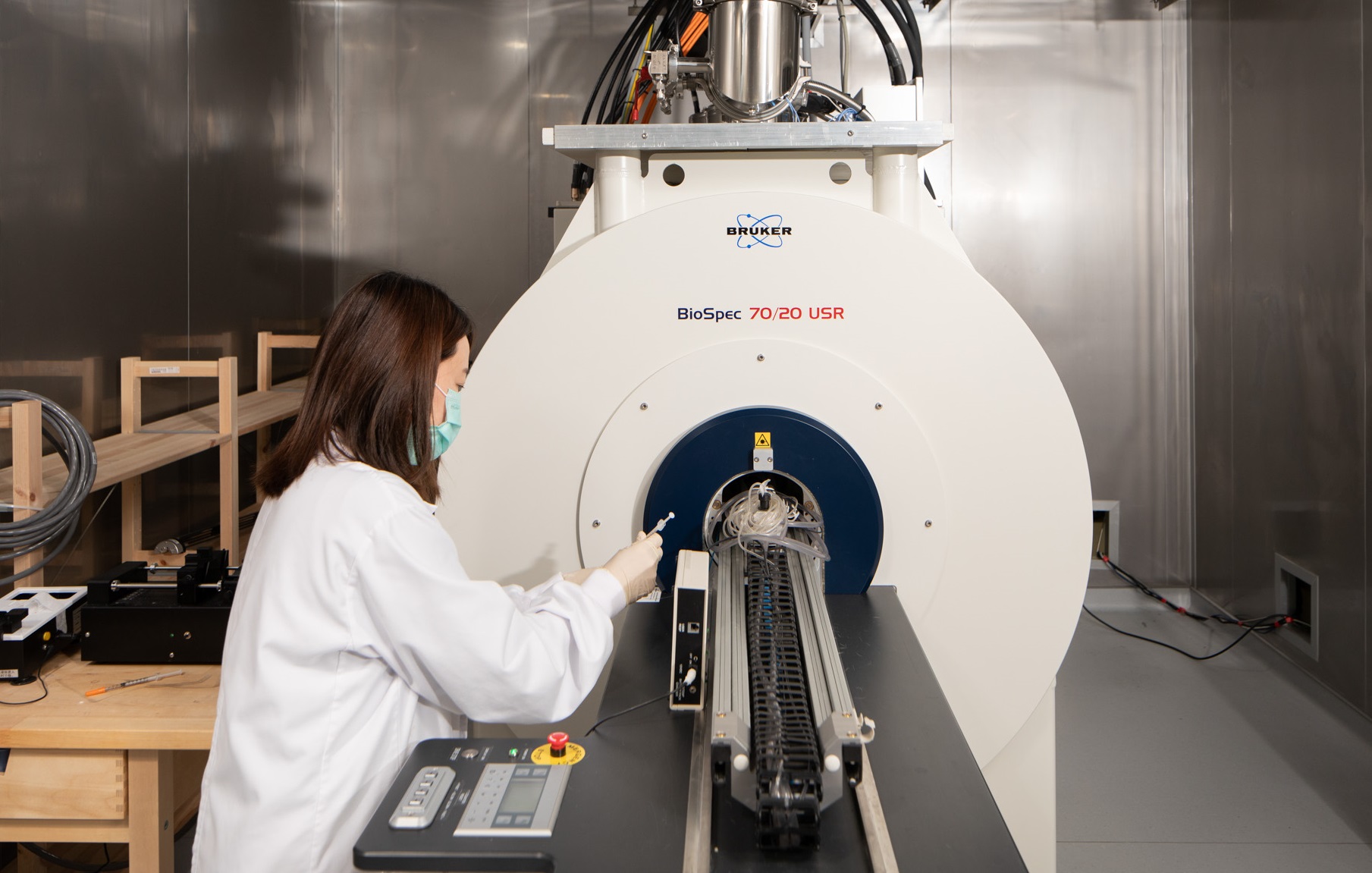
Characterizing tissue microstructure in the living human brain using ultra-high gradient diffusion MRI
11:00 生物化學研究所
How precise is precise? Pursuing specific editing outcomes with CRISPR nucleases
14:00 政治學研究所
IPSAS系列演講:Opposite Sides of The World - Two Faces of Polarisation? Challenges and Threats to The Party Scene in Poland and Taiwan.
15:00 原子與分子科學研究所
Fe-S Janus complexes: biomimic catalysts and molecular agents toward energy conversion and biomedical applications
05/03
10:00 近代史研究所
數位人文文本分析的變焦與對焦
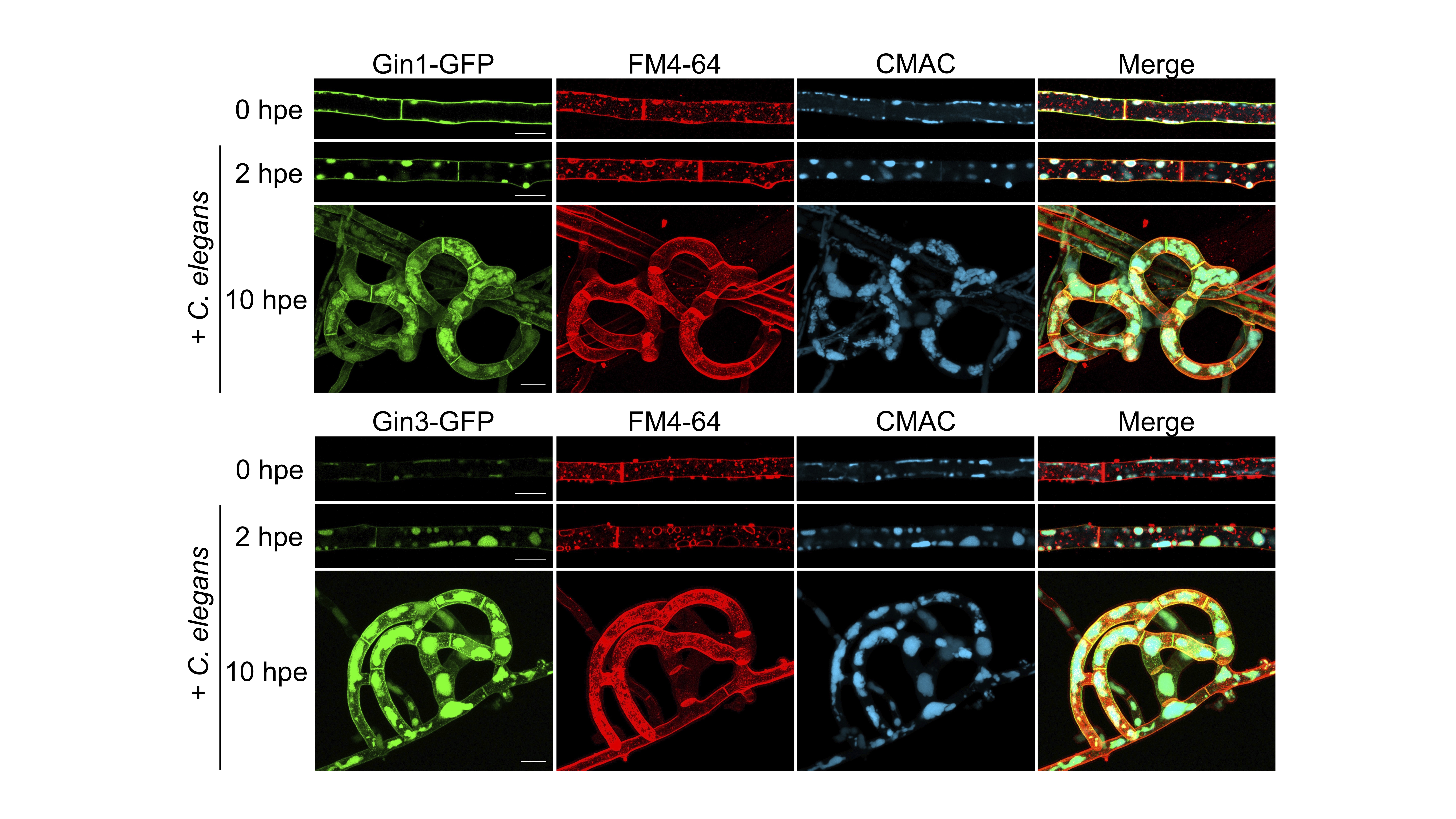
對所有生物而言,能夠感知並對環境反應是生存和適應的關鍵。近期研究顯示,不同界的生物,包括真菌、植物和哺乳動物,皆能感知線蟲的費洛蒙(ascaroside)並作出反應。然而,跨界生物之間如何感知線蟲費洛蒙的機制仍屬未知。本院分子生物研究所薛雁冰副研究員所領導的團隊發現,線蟲捕捉菌Arthrobotrys oligospora透過2個G蛋白偶聯受體(G protein-coupled receptor, GPCR)家族感知ascaroside,激活cAMP-PKA訊號傳遞途徑,產生陷阱構造。GPCR的數量擴增可能有助於此真菌識別多樣的線蟲衍生信號,確保在共演化過程中獵物識別的穩定性。此研究在真菌中確定ascaroside受體,對ascaroside介導的跨界生物間通訊分子機制有更深入的理解。本研究已於2024年4月22日發表於《自然微生物學》(Nature Microbiology)期刊。論文第一作者為本院國際研究生「分子與細胞生物學」(TIGP-MCB)學程博士生郭芷嫣。論文合作學者包括康乃爾大學(Cornell University)Frank Schroeder教授及臺北醫學大學張語曲助理教授。研究經費由本院及國家科學及技術委員會支應。
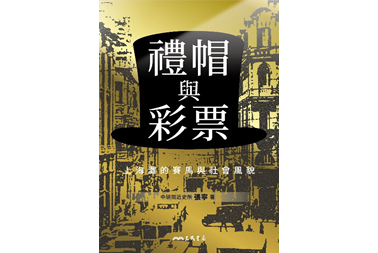
本院近代史研究所張寧研究員所著《禮帽與彩票:上海灘的賽馬與社會風貌》一書已於2024年4月出版。
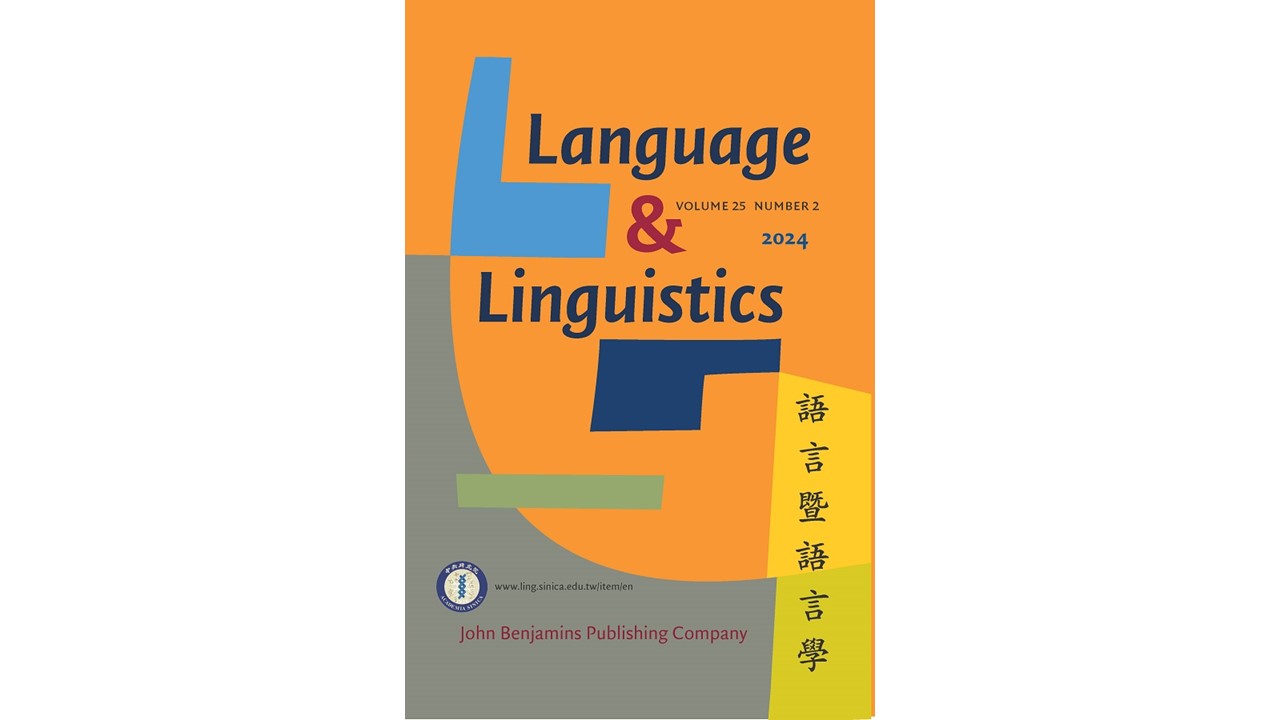
本院語言學研究所期刊《語言暨語言學》第25卷第2期已出版,本期目錄如下:
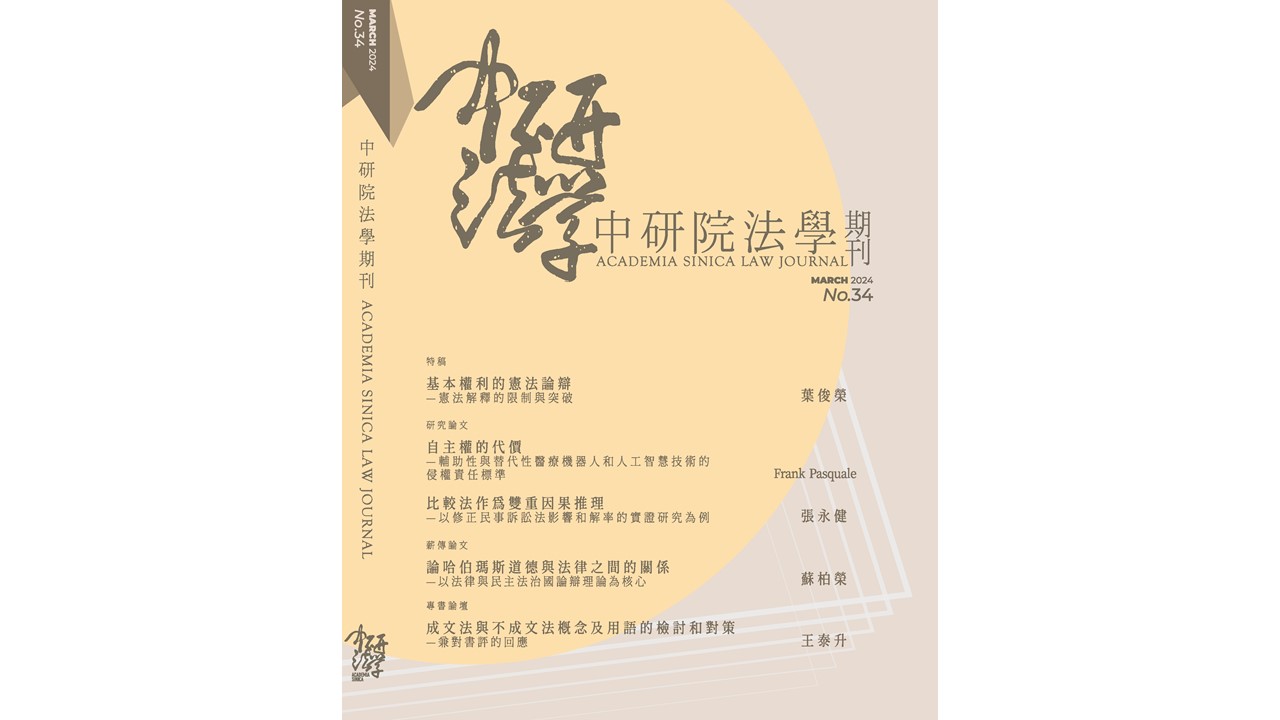
本期刊載葉俊榮臺大講座教授特稿一篇、Frank Pasquale教授、張永健教授之研究論文兩篇、蘇柏榮博士之薪傳論文一篇,以及王泰升臺大講座教授回應專書書評一篇。至盼學界先進能繼續支持與賜教。
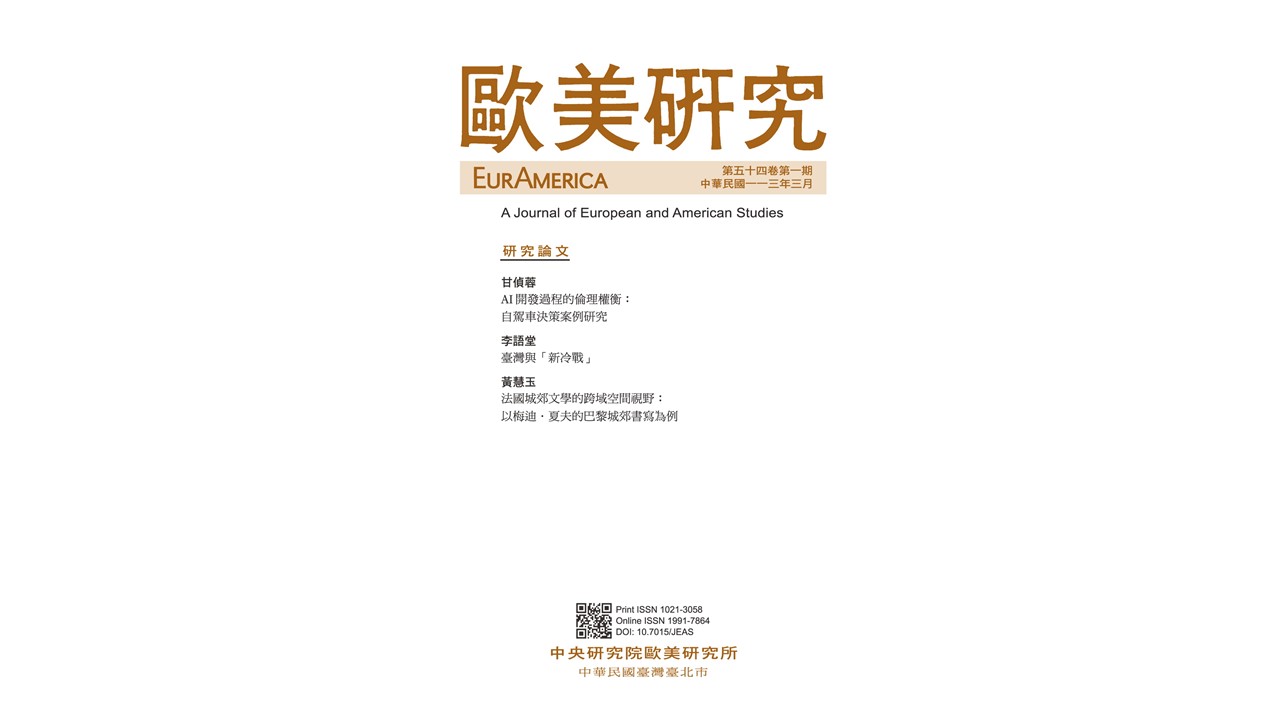
本期共收錄3篇文章,作者及論文名稱如下:
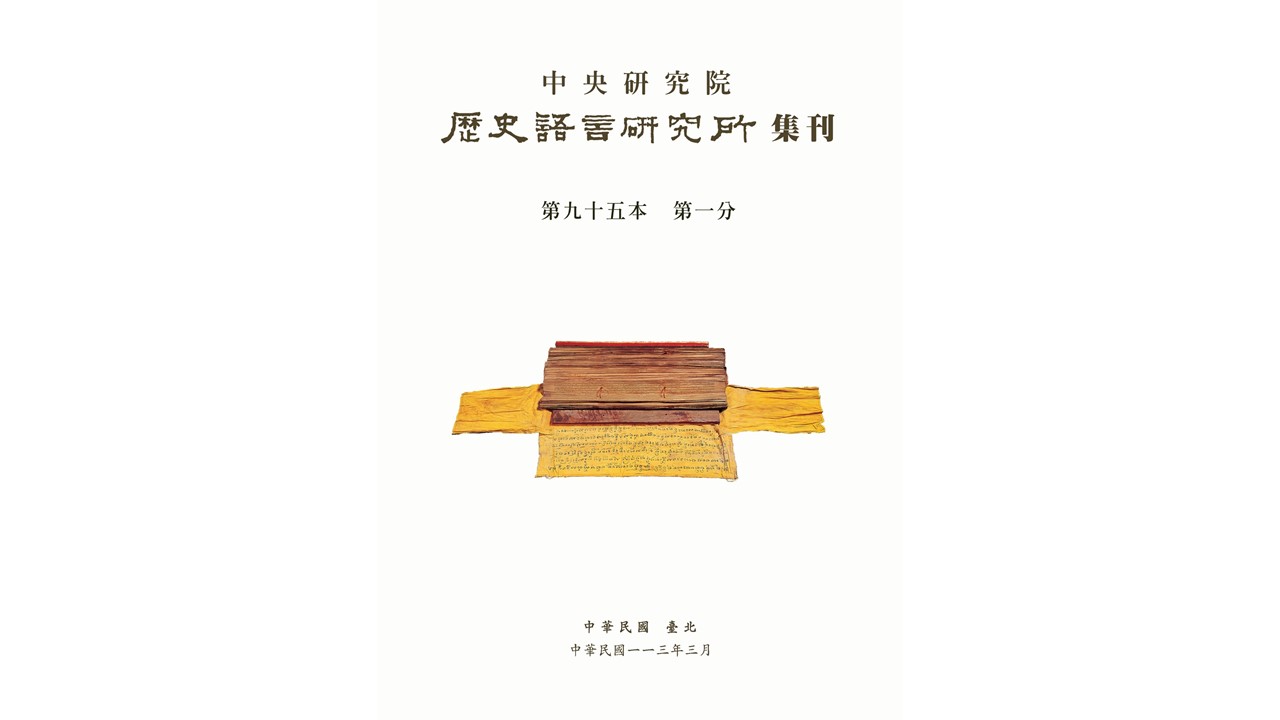
本院歷史語言研究所編印之《中央研究院歷史語言研究所集刊》第95本第1分已出版,本期共收錄4篇論文:
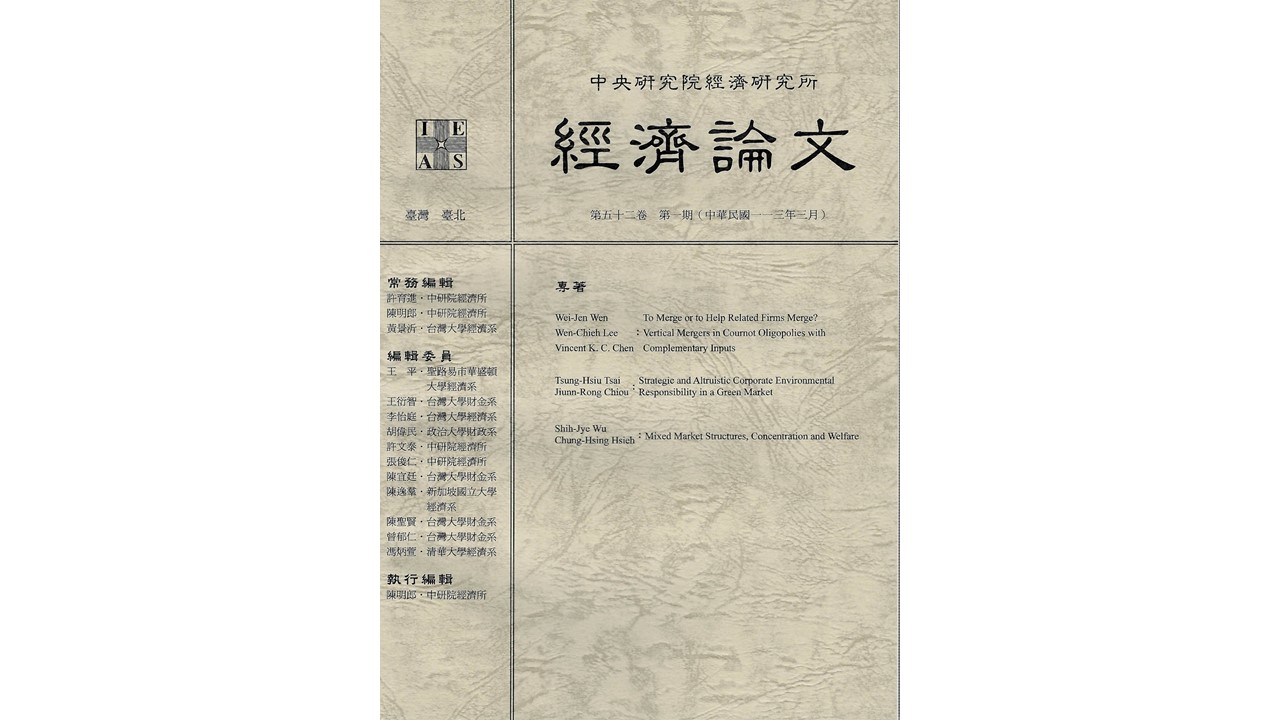
本院經濟研究所編印之《經濟論文》第52卷第1期業已出版,本期共收錄三篇論文,作者及文章標題如下:
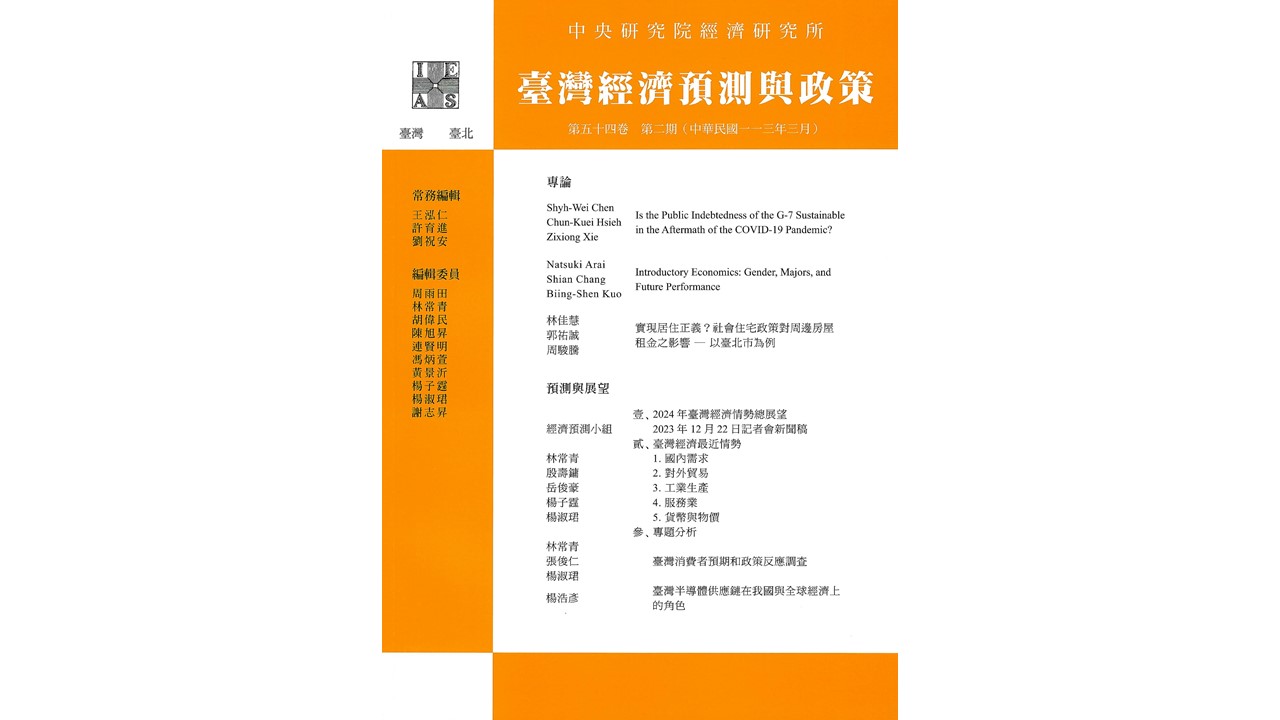
本院經濟研究所期刊《臺灣經濟預測與政策》第54卷第2期業已出版,本期目錄如下:
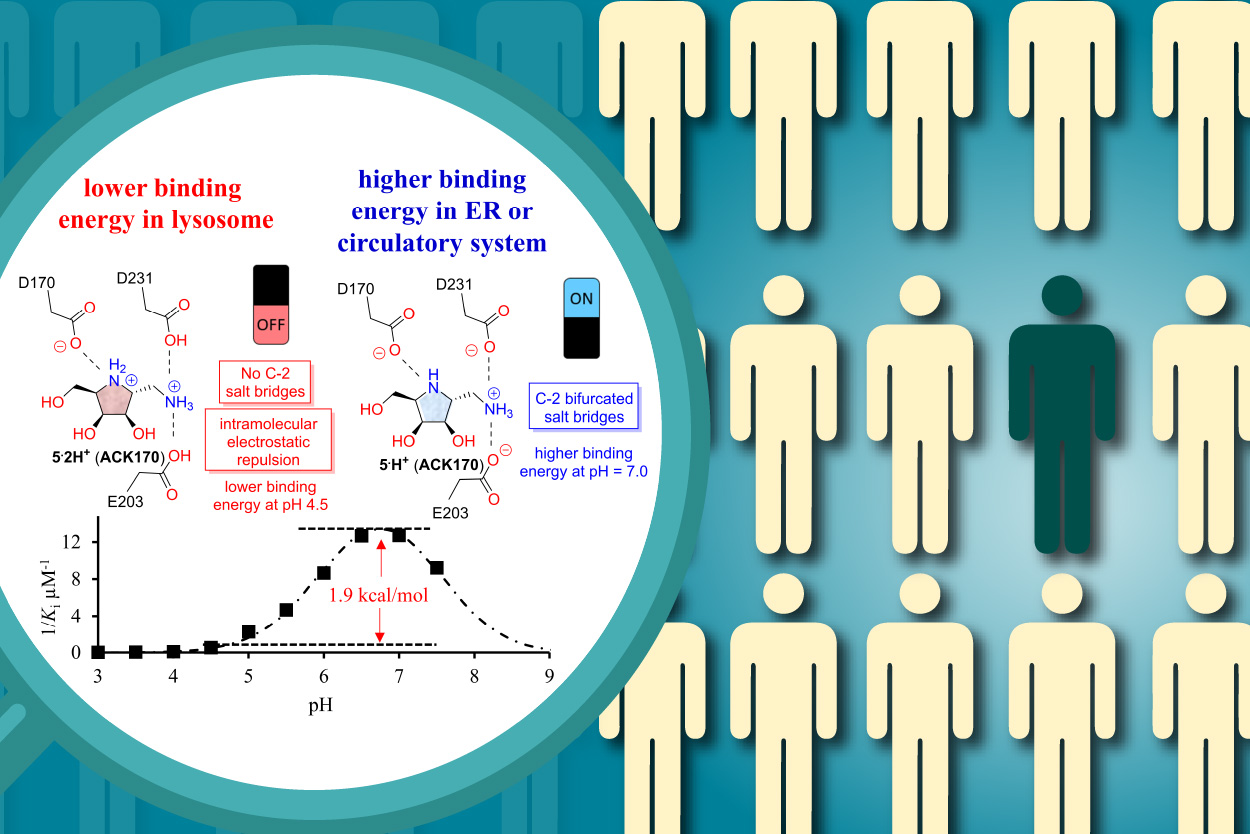
近年來,利用小分子蛋白質穩定劑或藥理伴護小分子來提升蛋白質穩定性,已成新興的治療策略。然而,如何設計出能夠在生理pH值環境下與其標靶蛋白質形成最佳結合的化學分子,目前仍是一大挑戰。本院基因體研究中心鄭偉杰研究員研究團隊藉由天然物啟發之組合式化學策略,所開發出的胺基亞胺醣ACK170(實驗室專利分子PCT/US2017/037381),發現對於人類α-半乳醣苷酶A(α-Gal A)具有優異的酸鹼值選擇性和保護力。本研究利用合成的數種亞胺醣衍生物和α-Gal A的共結晶,輔以分子與酵素結合的熱力學和動力學分析實驗,深入探討小分子的作用機制及關鍵因素。研究結果顯示,ACK170的環外胺基和α-Gal A的羧基(胺基酸E203和D231)可在pH值中性的環境下,形成靜電交互作用;細胞實驗結果亦顯示了此交互作用的形成對ACK170的治療效果極其重要。在小鼠模式研究中,也發現 ACK170可藉由穩定蛋白質藥物(rh-α-Gal A),延長其在循環系統中被組織吸收的時間,進而增加組織對於rh-α-Gal A的攝取。此研究成果指出藉由引入額外胺基的合成設計策略所開發的胺基亞胺醣ACK170,在細胞和動物實驗中展現了對於法布瑞氏症(Fabry disease)的治療潛力。此新發現不僅對法布瑞氏症的小分子治療開啟新契機,未來更可將此雙胺基骨架的分子設計策略,應用於治療其他蛋白質錯誤摺疊之疾病。研究成果已於2024年2月23日發表於發表於《美國化學會誌-Au》(JACS Au)。
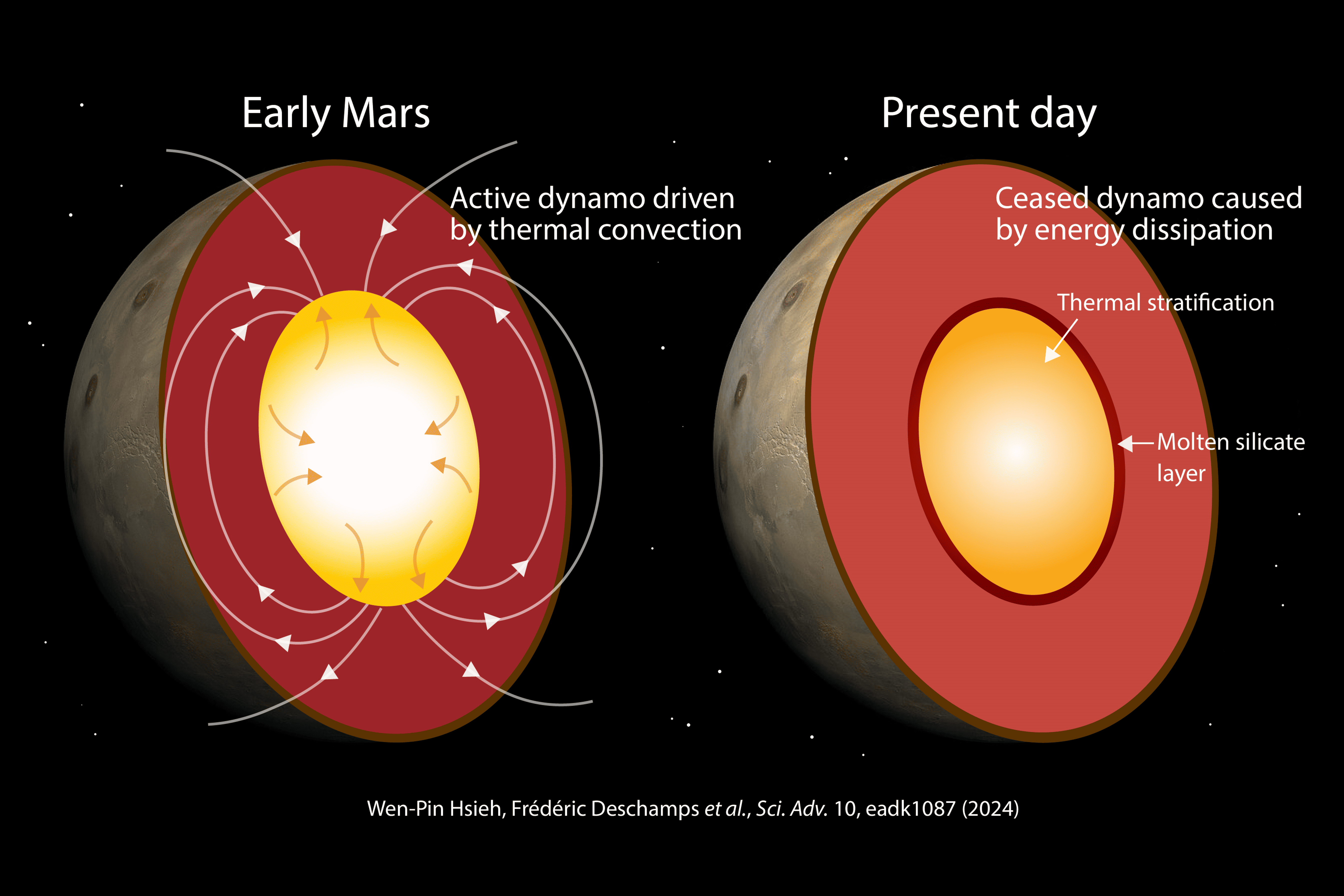
地球長期穩定存在的磁場是人類得以宜居的關鍵要素之一。同為類地行星的火星,其磁場卻與地球磁場有著天壤之別,火星磁場約在43億年前存在,並僅運作7億年即終止迄今。為了揭開火星磁場的前世今生,解密其停止運作的機制,本院地球科學研究所謝文斌研究員所主導的跨國合作團隊,結合超快光學與高溫高壓鑽石砧技術,精準量測火星核的主要組成材料「鐵硫合金」的熱傳導率,首次證實火星核的熱導率遠高於過去認知。研究團隊進一步結合熱演化模擬,證實火星核高熱導率的快速散熱的特性,導致熱對流迅速耗盡而終止其磁場。隨著NASA Insight火星探測任務對火星內部構造帶來突破性了解之際,此研究成果更對火星的熱與磁場演化歷史、熱能量以及動力學等關鍵議題帶來極為重要的進展,參與本研究的還有本院地球科學研究所研究員戴夏飛博士、研究助理曹懿麒等人。本研究成果已於本(113)3月20日發表於《科學前緣》(Science Advances)期刊。
UFMylation是一種新興的類泛素後轉譯修飾,對於調控各種細胞過程至關重要。UFMylation失調與多種人類疾病息息相關,包括癌症。儘管在T細胞中UFMylation的生理作用未被深入了解,惟本院生物醫學科學研究所李育儒助研究員的研究顯示,條件性敲除(cKO)Ufl1(UFMylation E3連接酶)的T細胞在對抗腫瘤生長方面,表現更為出色。單細胞RNA序列分析顯示,Ufl1 cKO小鼠的腫瘤浸潤毒性CD8+ T細胞明顯增加。機制上,研究團隊發現,UFL1促進PD-1 UFMylation,抵制PD-1的泛素化介導降解。此外,AMP激活蛋白激酶(AMPK)在Thr536位點磷酸化UFL1,會干擾PD-1 UFMylation,從而導致PD-1降解。值得注意的是,UFL1在T細胞中的敲除降低了PD-1 UFMylation,使其不穩定,進而增強CD8+ T細胞的活化。因此,患有腫瘤的Ufl1 cKO小鼠對CTLA-4免疫治療有更好的反應。本研究揭示了UFMylation在T細胞中的關鍵作用,突顯了在癌症治療中靶向UFMylation途徑的潛力。研究成果已於2024年2月19日發表於《分子細胞》(Molecular Cell)期刊。
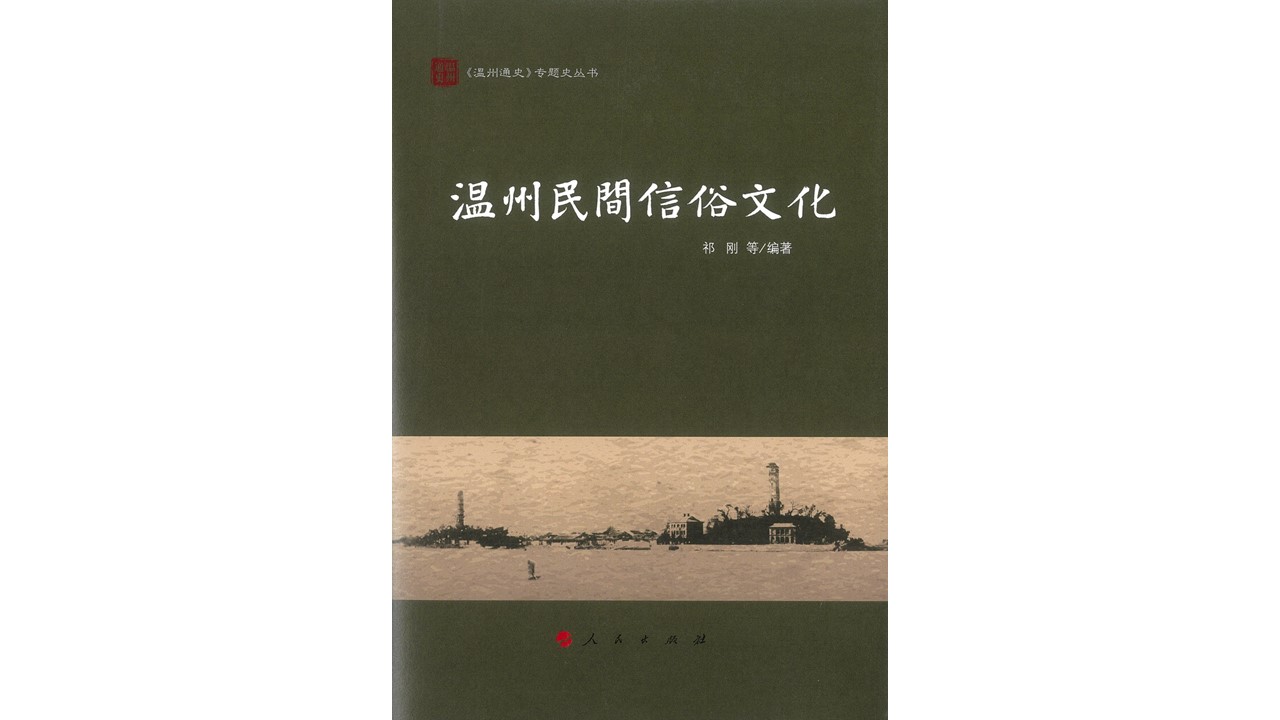
本院近代史研究所康豹特聘研究員與溫州大學歷史系祁剛教師等人編著《溫州民間信俗文化》一書已於2023年11月出版。
「研之有物」為本院創立之科普平臺,以深入淺出的方式報導數理、生命及人文社會領域研究成果,分享研究人員不為人知的甘苦談。歡迎進入官網吸收新知、訂閱電子報,一起探索各領域知識! 前往網站
「中研院訊」為本院重要資訊及研究成果發布平台,每雙週出刊,協助院內同仁掌握本院最新消息,也讓院外讀者更加了解本院及相關學術研究成果。 前往網站